
ENGINEERING NOTES / GITOPS
GitOps Best Practices: ArgoCD vs Flux in Production
From the three-repository pattern to progressive delivery with Argo Rollouts. Real-world GitOps architecture that eliminates drift and provides audit trails.
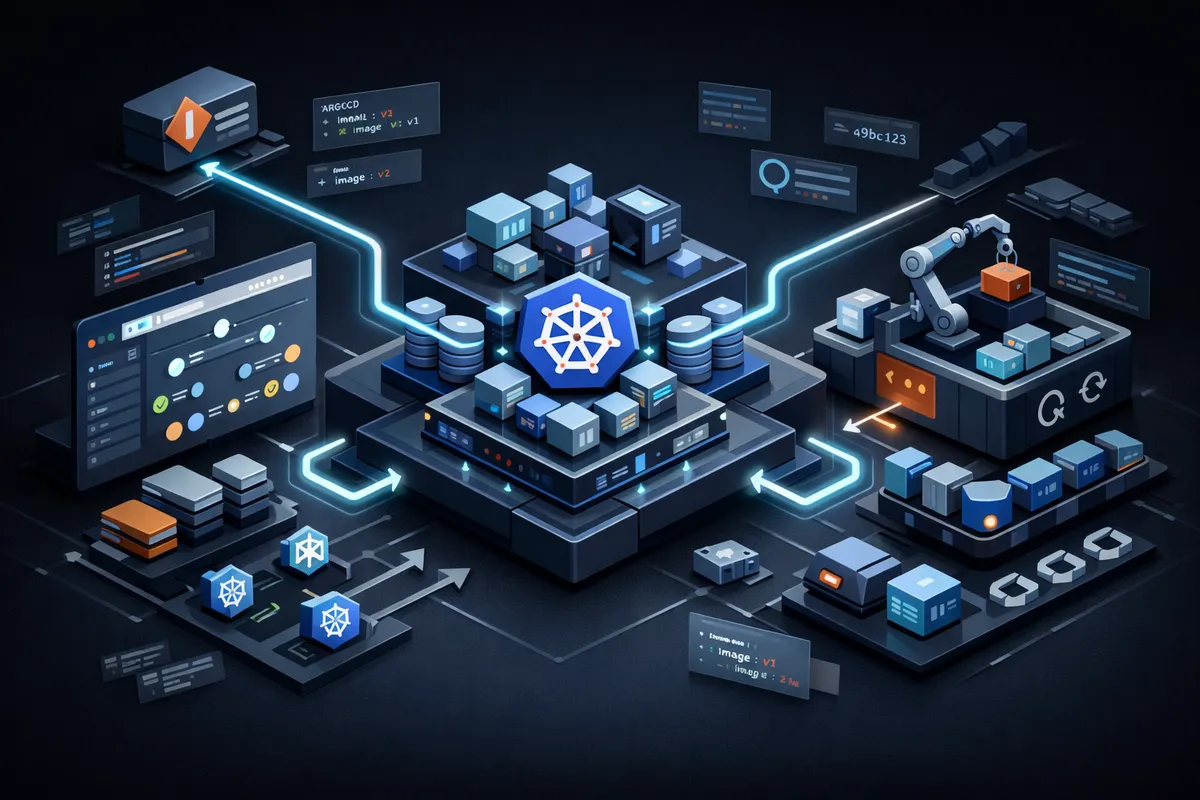
GitOps is not just a buzzword—it’s a fundamental shift in how infrastructure and applications are deployed. When done right, it eliminates configuration drift, provides audit trails, and makes rollbacks trivial.
When done wrong, it creates a tangled mess of YAML repositories that nobody wants to touch.
After implementing GitOps for 50+ production clusters, here’s what actually works.
1. GitOps is Not Just “Git Push to Deploy”
Many teams adopt GitOps by simply pointing ArgoCD at their application repo and calling it done. This is a recipe for chaos.
GitOps requires architectural discipline:
The Three-Repository Pattern
We always separate concerns into three Git repositories:
-
Infrastructure Repository (
infra-repo)- Terraform/Pulumi code for cloud resources - VPCs, databases, load balancers, IAM roles - Changes here trigger CI pipelines, not ArgoCD
-
Kubernetes Configuration Repository (
k8s-config-repo)- Helm charts, Kustomize overlays, raw manifests - Namespace definitions, RBAC, NetworkPolicies - This is what ArgoCD/Flux watches
-
Application Source Repository (
app-repo)- Your actual application code - CI builds Docker images, updates image tags in
k8s-config-repo- ArgoCD never directly watches this repo
- Your actual application code - CI builds Docker images, updates image tags in
Why Separate?
- Different change velocities (infra changes monthly, apps deploy hourly)
- Different access controls (platform team vs app developers)
- Cleaner rollbacks (reverting a bad image tag doesn’t touch infrastructure)
2. ArgoCD vs Flux: The Real Differences
Both tools implement GitOps. The choice comes down to your team’s preferences and scale.
ArgoCD Strengths
- UI-First Experience: Non-Kubernetes experts can visualize deployments
- RBAC Built-In: Fine-grained access control out of the box
- App of Apps Pattern: Easily manage hundreds of applications with a single root Application
- Manual Sync Option: Sometimes you want to review a change before auto-applying
Best For: Teams with mixed skill levels, organizations requiring strict RBAC, multi-tenant clusters.
Flux Strengths
- Lightweight: Pure Kubernetes-native CRDs, no UI overhead
- Notification System: Native integration with Slack, Teams, webhooks
- Image Automation: Built-in image update automation (fewer moving parts)
- GitLab/GitHub Integration: Can automatically create PRs when new images are detected
Best For: Platform engineering teams, GitOps purists, CI/CD-heavy workflows.
3. Critical Mistake: Storing Secrets in Git
We’ve seen this pattern too many times:
# ❌ DON'T DO THIS
apiVersion: v1
kind: Secret
metadata:
  name: db-credentials
stringData:
  password: "super-secret-password" # <-- Committed to Git
Even if the repository is private, this is a security incident waiting to happen.
The Right Way: Sealed Secrets or External Secrets Operator
Option 1: Sealed Secrets (Simpler)
# Encrypt the secret locally
kubeseal --format yaml < secret.yaml > sealed-secret.yaml

# Now safe to commit
apiVersion: bitnami.com/v1alpha1
kind: SealedSecret
metadata:
  name: db-credentials
spec:
  encryptedData:
    password: AgByhU7... # <-- Encrypted, safe in Git
The cluster has a private key to decrypt. Developers cannot decrypt without cluster access.
Option 2: External Secrets Operator (Enterprise-Grade)
apiVersion: external-secrets.io/v1beta1
kind: ExternalSecret
metadata:
  name: db-credentials
spec:
  secretStoreRef:
    name: aws-secrets-manager
  target:
    name: db-credentials
  data:
    - secretKey: password
      remoteRef:
        key: prod/db/password # <-- Stored in AWS Secrets Manager
Secrets never touch Git. The operator fetches them at runtime from AWS Secrets Manager, HashiCorp Vault, or GCP Secret Manager.
Our Recommendation: Use External Secrets Operator for production. It scales better and integrates with enterprise secret stores.
4. The Sync Wave Anti-Pattern
ArgoCD supports “sync waves” to control deployment order:
metadata:
  annotations:
    argocd.argoproj.io/sync-wave: "1" # Deploy first
Beginners love this feature. Experienced operators avoid it.
Why?
- Creates hidden dependencies that are hard to debug
- Breaks the declarative model (order shouldn’t matter in Kubernetes)
- Makes rollbacks complex
Better Solution: Init Containers & Readiness Probes
If your app needs a database to be ready, use an init container:
initContainers:
  - name: wait-for-db
    image: busybox
    command: ["sh", "-c", "until nc -z db-service 5432; do sleep 1; done"]
Let Kubernetes handle orchestration. That’s what it’s designed for.
5. Progressive Delivery with Argo Rollouts
Standard Kubernetes Deployments use a basic rolling update strategy. For production, this is often too risky.
Argo Rollouts adds:
- Canary Deployments: Route 10% of traffic to new version, measure metrics, auto-rollback if errors spike
- Blue/Green Deployments: Deploy new version alongside old, switch traffic atomically
- Analysis: Query Prometheus/Datadog during rollout to auto-promote or abort
Example Canary Rollout:
apiVersion: argoproj.io/v1alpha1
kind: Rollout
metadata:
  name: api-service
spec:
  replicas: 10
  strategy:
    canary:
      steps:
        - setWeight: 10 # Send 10% traffic to new version
        - pause: { duration: 5m }
        - setWeight: 50
        - pause: { duration: 5m }
        - setWeight: 100
      analysis:
        templates:
          - templateName: error-rate-check # Auto-rollback if errors > 1%
This gives you Netflix-level deployment safety without the Netflix-level engineering team.
6. Multi-Cluster GitOps: The App-of-Apps Pattern
Managing 10+ clusters with GitOps requires structure. The App-of-Apps pattern is the industry standard.
Structure:
k8s-config-repo/
├── clusters/
│   ├── prod-us-east/
│   │   └── apps.yaml          # <-- Root Application for this cluster
│   └── prod-eu-west/
│       └── apps.yaml
├── apps/
│   ├── api-service/
│   │   ├── base/              # Kustomize base
│   │   └── overlays/
│   │       ├── prod/
│   │       └── staging/
│   └── frontend/
└── platform/
    ├── ingress-nginx/
    ├── cert-manager/
    └── external-secrets/
Each cluster’s apps.yaml references the applications it should run:
apiVersion: argoproj.io/v1alpha1
kind: Application
metadata:
  name: root-app
spec:
  source:
    repoURL: https://github.com/company/k8s-config
    path: apps
  destination:
    server: https://kubernetes.default.svc
Now adding a new cluster is as simple as creating a new apps.yaml and pointing ArgoCD at it.
7. Observability: Know When GitOps Breaks
GitOps isn’t “set and forget.” You need monitoring for:
-
Sync Status Alerts:
- Alert if an Application is out-of-sync for >10 minutes - Alert if a sync fails 3 times in a row
-
Drift Detection:
- Periodically run
kubectl diffto detect manual changes - Some teams use Fairwinds Polaris to scan for policy violations
- Periodically run
-
Audit Logs:
- Every Git commit becomes an audit trail - Use Git history to answer: “Who deployed this? When? Why?”
ProTip: Export ArgoCD metrics to Prometheus and create a Grafana dashboard. Track argocd_app_sync_total, argocd_app_health_status, and argocd_git_request_duration_seconds.
8. Conclusion: GitOps is a Journey, Not a Destination
You don’t need to adopt everything at once. Here’s our recommended adoption path:
- Week 1: Set up ArgoCD/Flux, deploy one non-critical app
- Month 1: Migrate all staging environments
- Month 2: Add Sealed Secrets or External Secrets Operator
- Month 3: Implement Argo Rollouts for canary deployments
- Month 6: Expand to multi-cluster with App-of-Apps pattern
The key is consistency. If 80% of your deployments are GitOps and 20% are kubectl apply from someone’s laptop, you’ve lost the audit trail and the safety net.
Need help migrating to GitOps? We’ve done this 50+ times. Book a review and we’ll design your GitOps architecture in a single session.
A FRESH PERSPECTIVE ON YOUR CLOUD
Great engineering starts
with a good conversation.
Let’s talk about what’s working, what’s slowing you down, and what comes next.
Talk to an engineer ↗